

Palette Studio was born while I was researching color contrast for an article on Section 508 compliance. Designers often need to build around a brand’s primary color. Finding 508-compliant color relationships usually comes down to trial and error. Palette Studio simplifies the process. The concept here is to input a brand’s primary color. The generator then finds compliant colors in a harmonized palette. To open the project, click the Launch Project button or open Palette Studio in a new tab.
The application currently supports five color harmonies.
- monochromatic
- complementary
- split-complementary
- triadic
- tetradic
I may add more later.
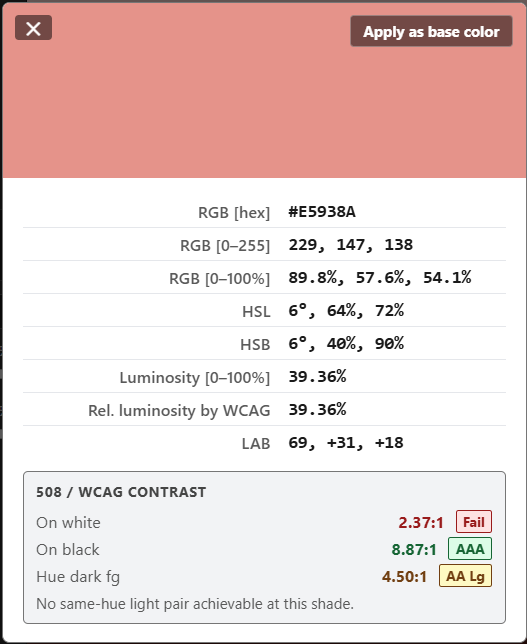
Users can click any swatch to see its color values and WCAG contrast data
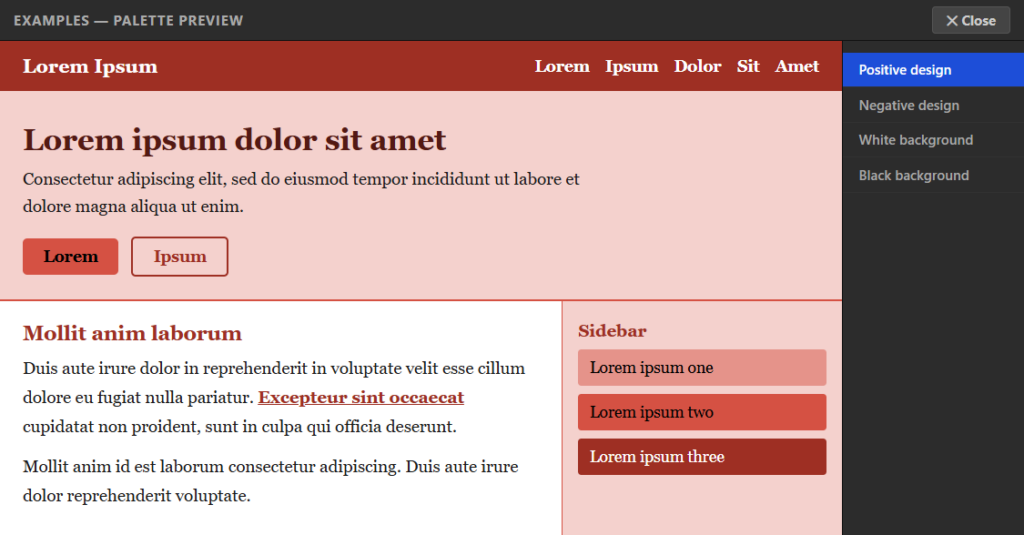
The Examples tab shows the palette in a sample layout. You can see how the colors look together and check contrast before you use them.
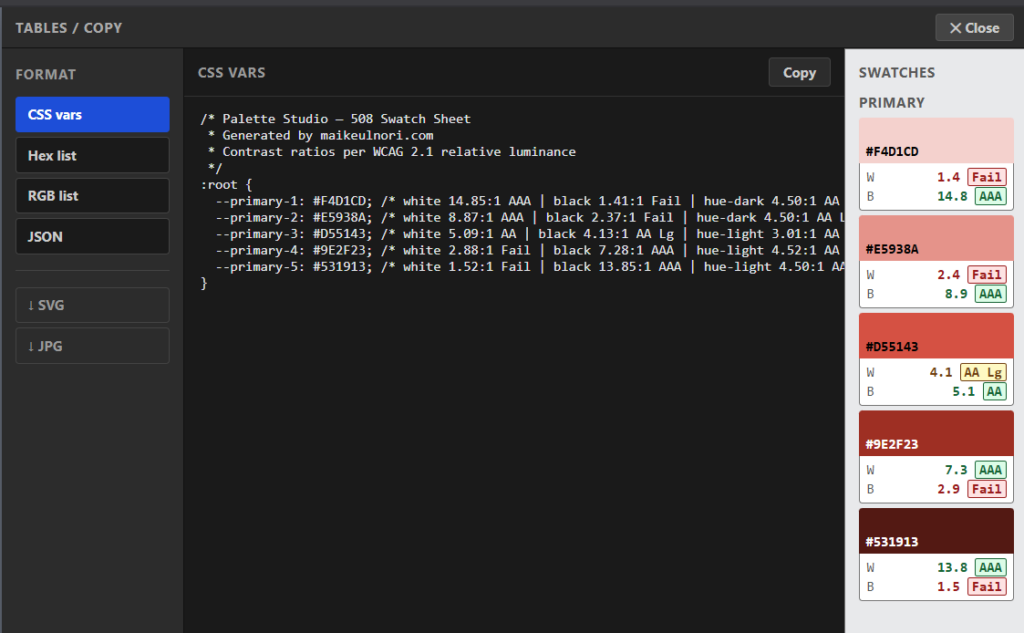
The Table / Copy tab gives you CSS variables, JSON, HEX, and RGB values. CSS variables and JSON include the contrast data. HEX and RGB are color values only. You can also download the palette as an SVG or JPG swatch sheet so you can sample the colors directly with an eyedropper tool.
It works, and it’s free. Bookmark it for future projects.